 Try a phrase
Your voice.New words.
Language practice in a familiar voice. Hear a phrase, try it aloud and make it yours.
Try a little practice Acentio
for iPhone
 A familiar voice. Somewhere new.
Sound
like you.

A new little hello.
A new language.
A familiar voice.
Record a short sample in Acentio, listen back and approve it before creating your practice voice. Then hear useful phrases in the language you’re learning. Keep the ones you need, try them aloud and come back to them tomorrow.
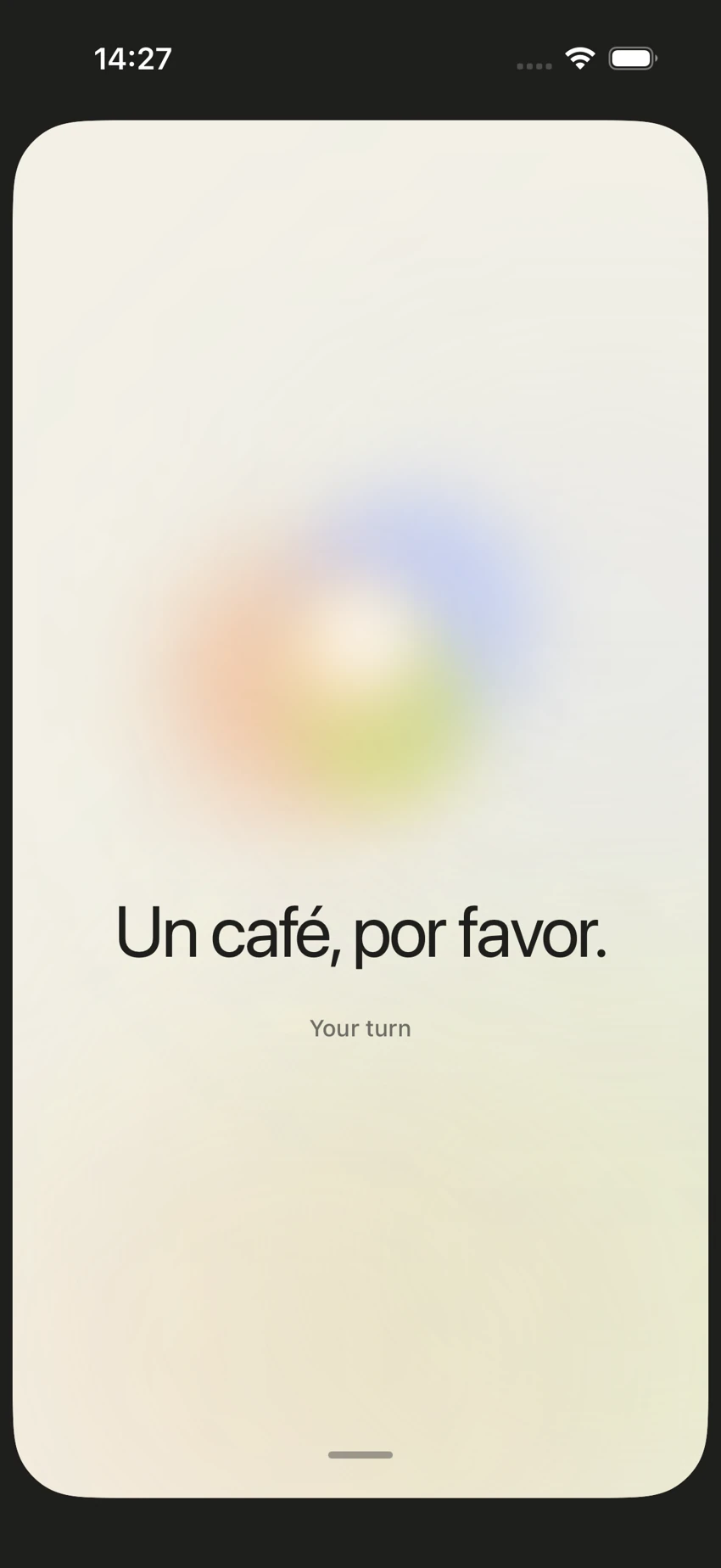
Um café, por favor.
A coffee, please.
Ready when you are.
A little hello.
Choose a language and hear something you could actually say today.
This preview uses your device’s voice. In Acentio, you can set up your own practice voice.
Make it yours.
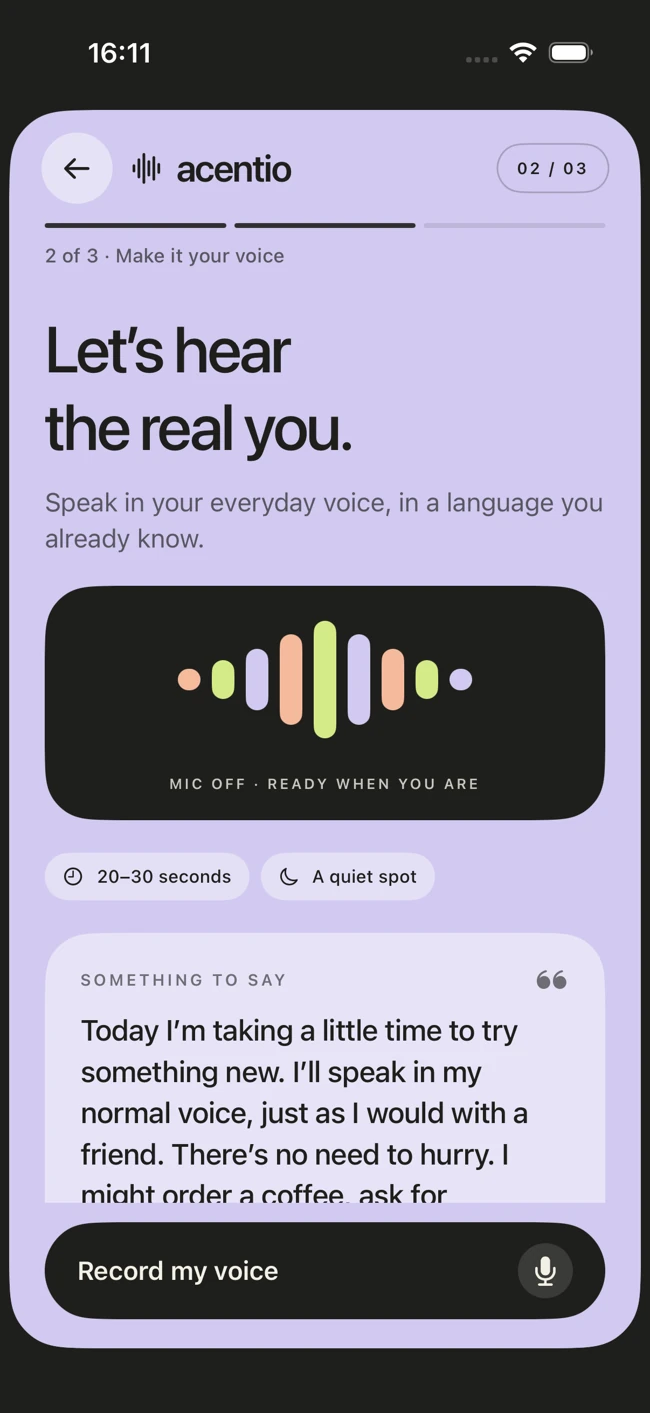
short sample.
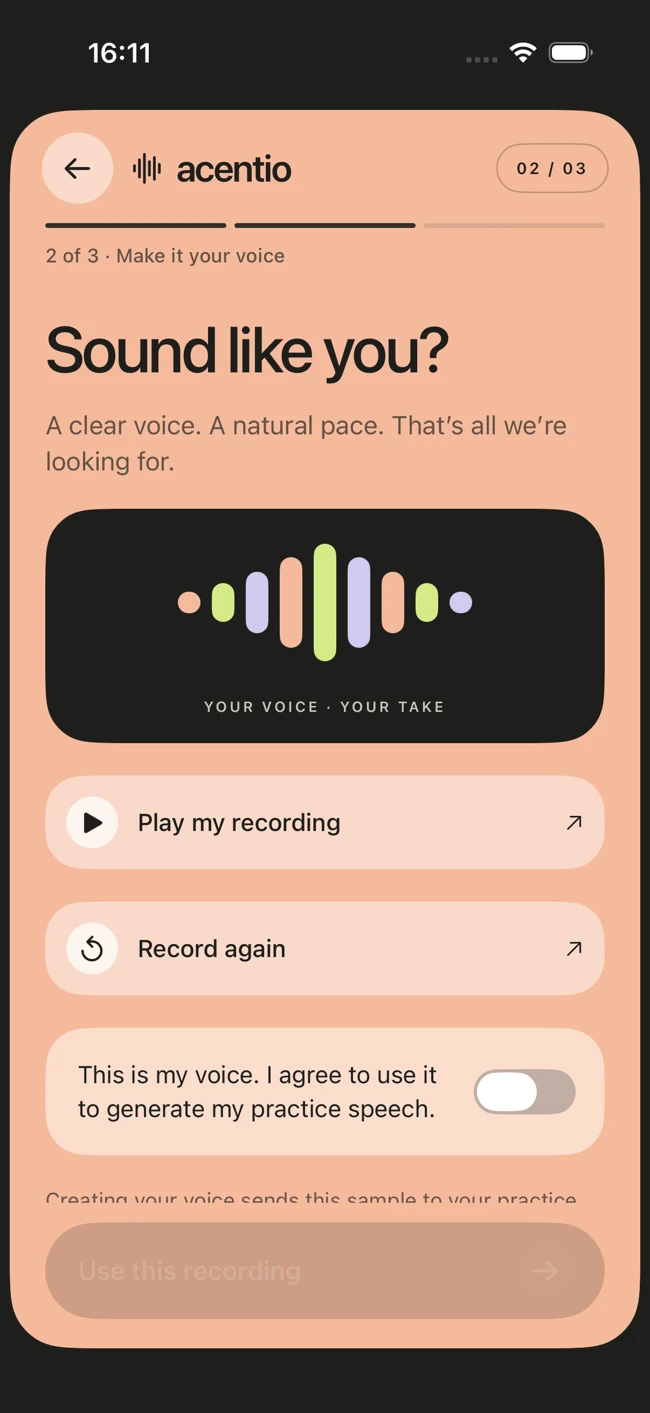
and approve.
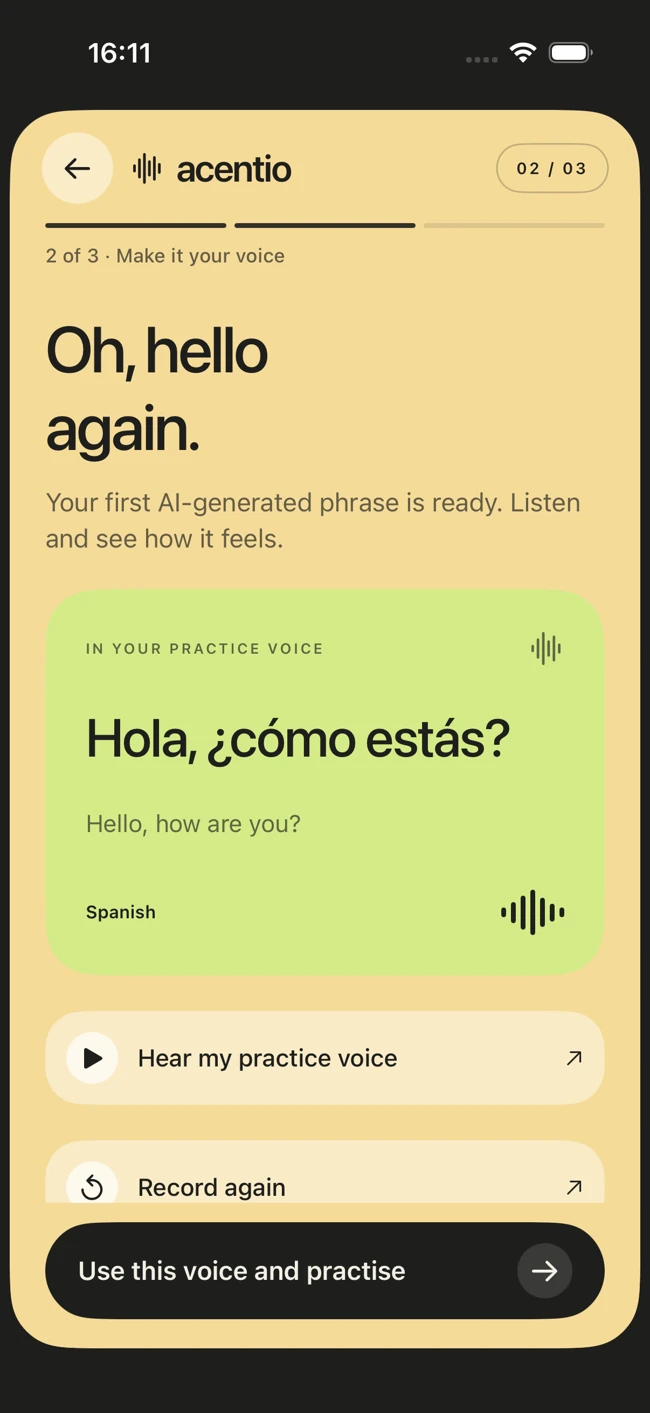
practice voice.
yourself.
Good to know.
Can I try it
without recording?
Yes. Try a phrase on this page with a device voice, or start with the clearly labelled demo voice in Acentio. Your recording is only needed when you choose to create a personal practice voice.
How do I make
my practice voice?
Record a short sample, listen back and approve it. You can then preview a phrase in your chosen language before accepting the practice voice. Generated speech can vary in resemblance and accent.
Do I need
to be online?
You need an account and an internet connection to create a personal voice and generate lessons. Once you’ve saved your lesson audio, you can return to it for another listen.
What can
I practise?
Choose a topic, add your own notes or import learning material from a PDF. Acentio can turn it into a seven-day plan with five short phrases each day. AI-generated material may need a correction along the way.